Windows
Desktop client
See downloads for live recordsCLIENT × RESIDENT AGENT
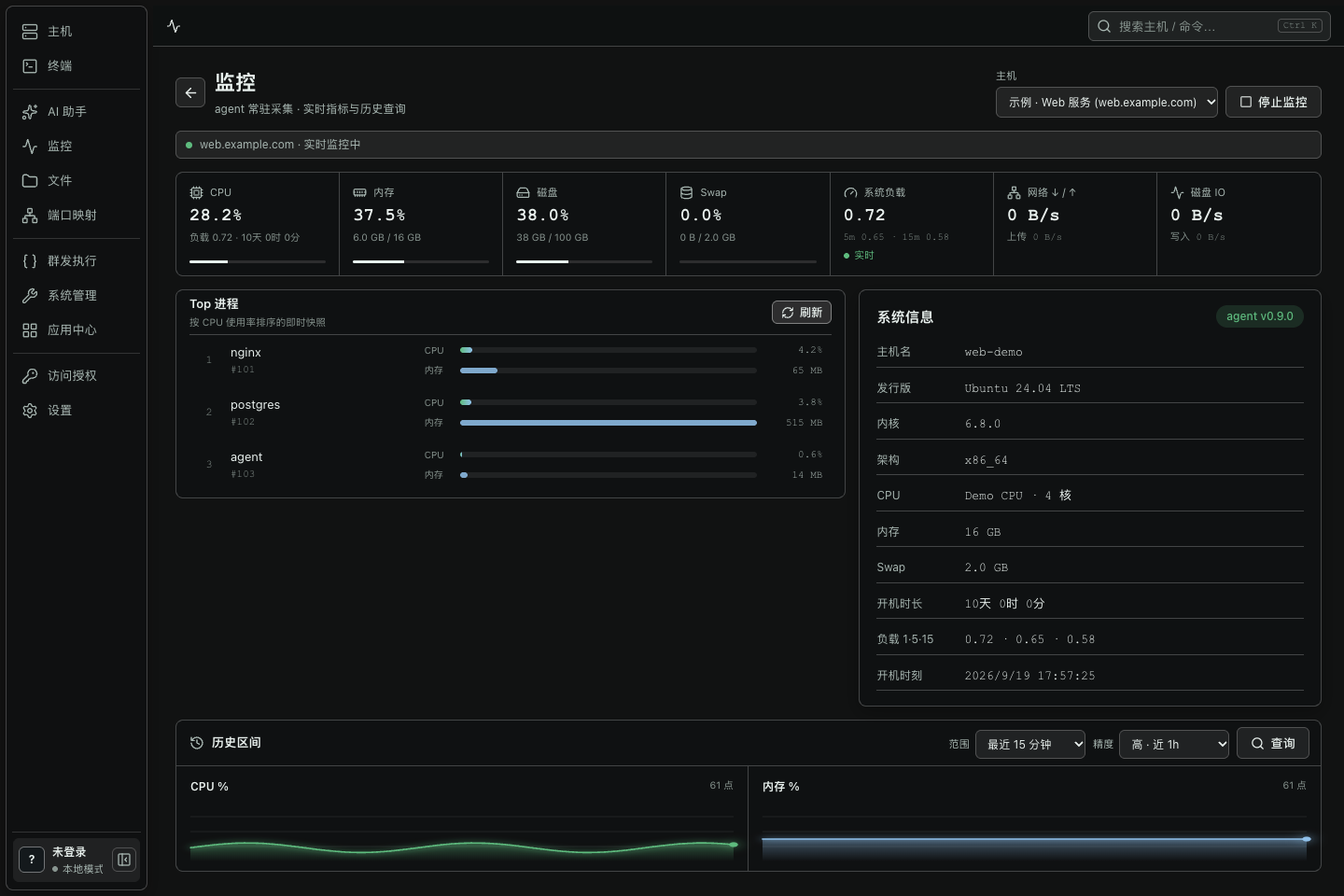
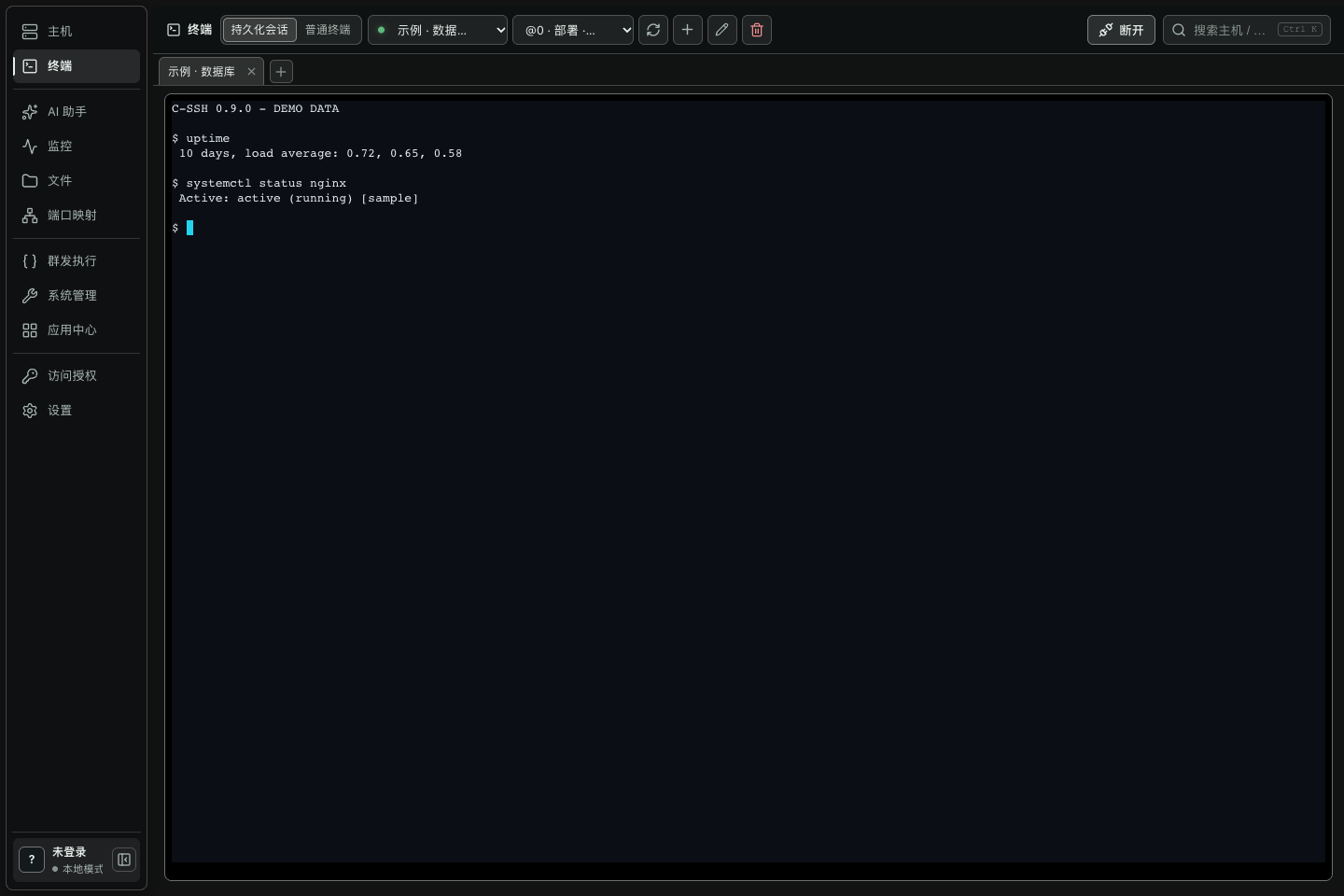
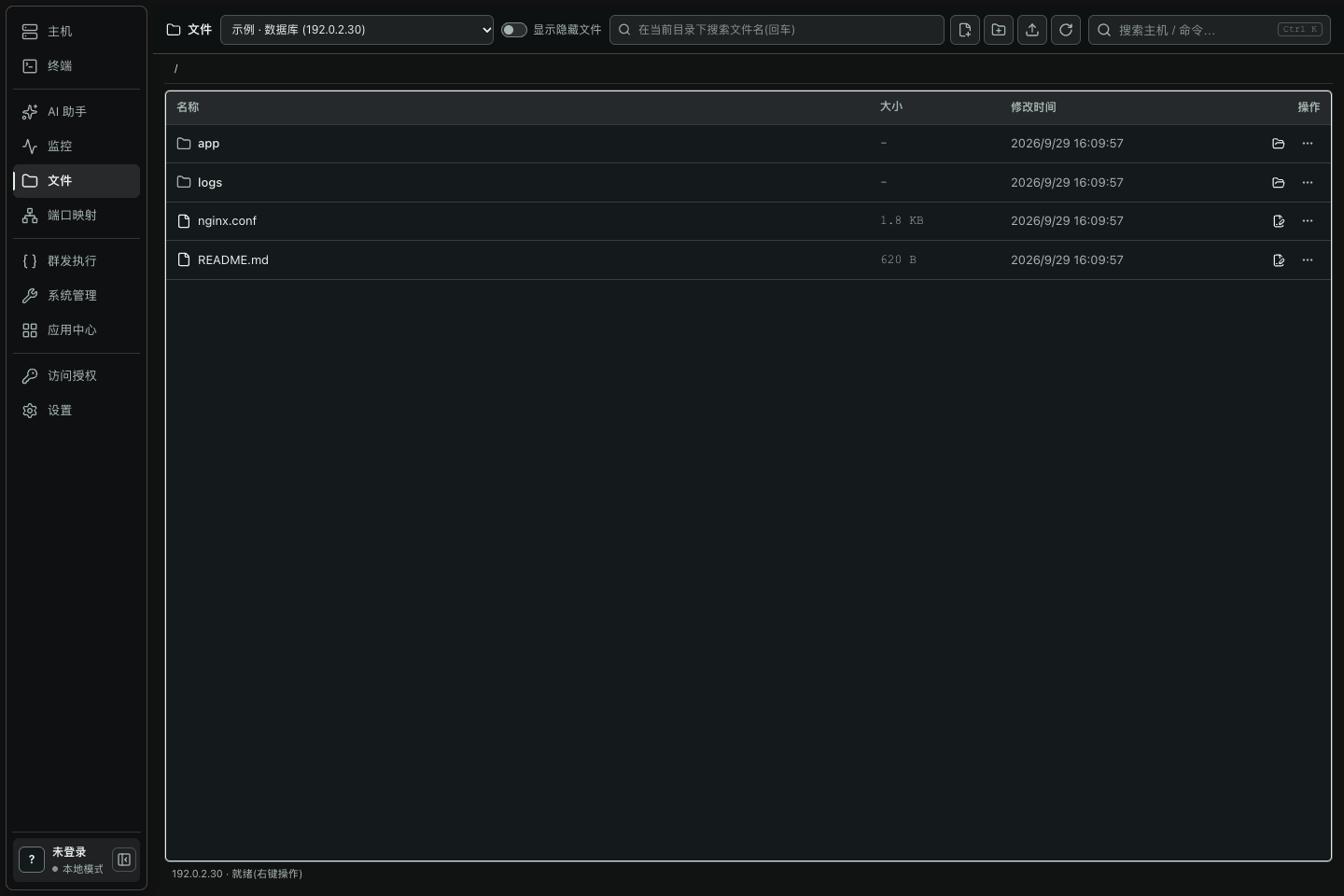
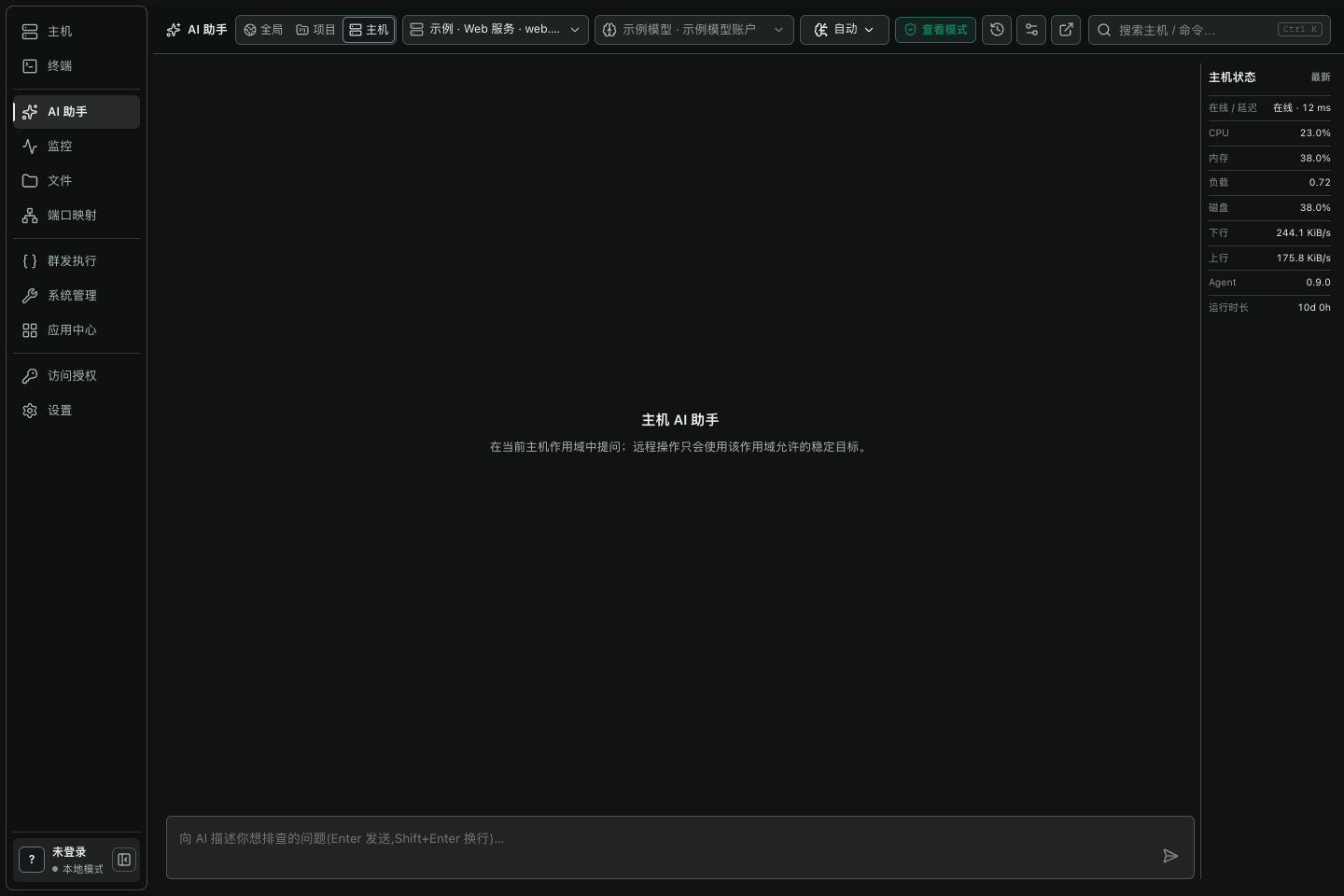
A native client and resident agent keep persistent terminals, monitoring, files, and system tools in the context of the same host.
Desktop client
See downloads for live recordsIndependent client
See downloads for live recordsMobile companion
See downloads for live recordsIndependent desktop client
Planned · Downloads not openIndependent mobile companion
Planned · Downloads not open01 / HOW IT WORKS
The client authenticates and initiates, SSH is the only entry point, and the resident agent exposes structured capabilities through a server-local socket.
Hosts, credentials, trust, and operation entry points stay local.
CLIENTReuse SSH authentication and encryption without a new public port.
PURE SSHListen only on the server-local socket and provide structured capabilities.
AGENTTerminal context and monitoring history persist on the server.
SERVER STATEReliable transfers and system actions use explicit protocols.
STRUCTUREDStandard terminals, port forwarding, and access grants keep a native SSH path.
Fallback boundaryPersistent terminals, monitoring history, files, AI, systems, and apps use the structured protocol.
Primary path02 / CAPABILITIES
Every module states its dependency and result. The product docs continue with architecture, boundaries, interfaces, and verification.
Connections, authentication, host keys, and real reachability results.
Connection entryChoose persistent tmux or a standard SSH PTY by task.
Resume contextSnapshots, live subscriptions, history, and top processes.
Structured statusBrowse, search, edit, and transfer with integrity checks.
Same host contextMap server-reachable ports safely to the client machine.
Native SSHInvoke structured tools behind permission, confirmation, and audit gates.
Bring your modelRead system facts and manage processes or firewalls explicitly.
Visible actionsFocus on Docker, common apps, and systemd services.
Capability modulesIssue isolated access keys and revoke them by stable marker.
Least access03 / FIRST RUN
Tutorials form an executable path from first connection to daily operations instead of a loose article collection.
Complete SSH authentication and host-key trust.
Verify connectionProbe server architecture and select the matching agent and tmux pair.
Paired deploymentDisconnect deliberately, then verify task and screen recovery.
tmuxInspect live detail, historical ranges, and processes.
redbUpload or download and verify integrity results.
Chunk verificationUse your own model and begin with read-only diagnosis.
Permission gate04 / PLATFORMS
Public Windows, Linux, and Android status comes from real release records. macOS and iOS keep separate, explicitly planned positions.
Complete desktop operations
Independent native clientDesktop operations and local builds
Independent native clientMobile inspection and lightweight actions
Independent mobile clientFuture desktop client
Reserved independent platform boundaryFuture mobile companion
Reserved independent platform boundary05 / SECURITY BOUNDARY
The two paths stay separate: Creation Cloud never enters the SSH data plane between the client and your server.
The agent uses a local socket, host-key changes require confirmation, and SSH, tmux, or user processes are never ended without authorization.
Cloud is not in this pathOnly a non-sensitive allowlist can sync. Vault encryption stays on trusted clients and the service stores versioned ciphertext envelopes only.
No plaintext sensitive data07 / CREATION CLOUD
The Creation Cloud control plane is deployed on the production server with accounts, devices, sync, model metadata, encrypted vault envelopes, releases, downloads, and administration. Production client integration ships separately.
Account status, security settings, and password boundaries.
Account password ≠ vault passwordRegister, rename, and revoke trusted devices.
No SSH host recordsRevisions, conflicts, and non-sensitive allowlist results.
Unknown fields deniedSync credential-free model metadata, defaults, and order.
API keys reference ciphertextShow ciphertext versions and device-wrapper status only.
Server cannot decryptExpose compatible releases, sources, and download history.
Real records08 / FAQ
The home page keeps only high-value decision questions; the FAQ page carries the full explanation.
No. The SSH data plane remains direct from the client to your server. Cloud only provides account, device, and optional sync controls.
A standard SSH terminal, port forwarding, and access grants remain available. Persistent sessions, monitoring, and structured management depend on the agent.
Not in plaintext. Host records, passwords, private keys, known_hosts, terminal content, and command history are outside the sync allowlist.
No. The account password signs you in. The vault password derives encryption keys only on trusted clients and is never uploaded.
Formal download entries expose platform, architecture, source, file size, and SHA256 for verification before installation.
No. Android is a mobile companion focused on inspection, lightweight actions, and continuity with desktop workflows.
SEARCH TOPICS / CONTENT MAP
NEXT STEP / START HERE
Capabilities, platform status, and downloads always follow real implementation, deployment, and release records.